01
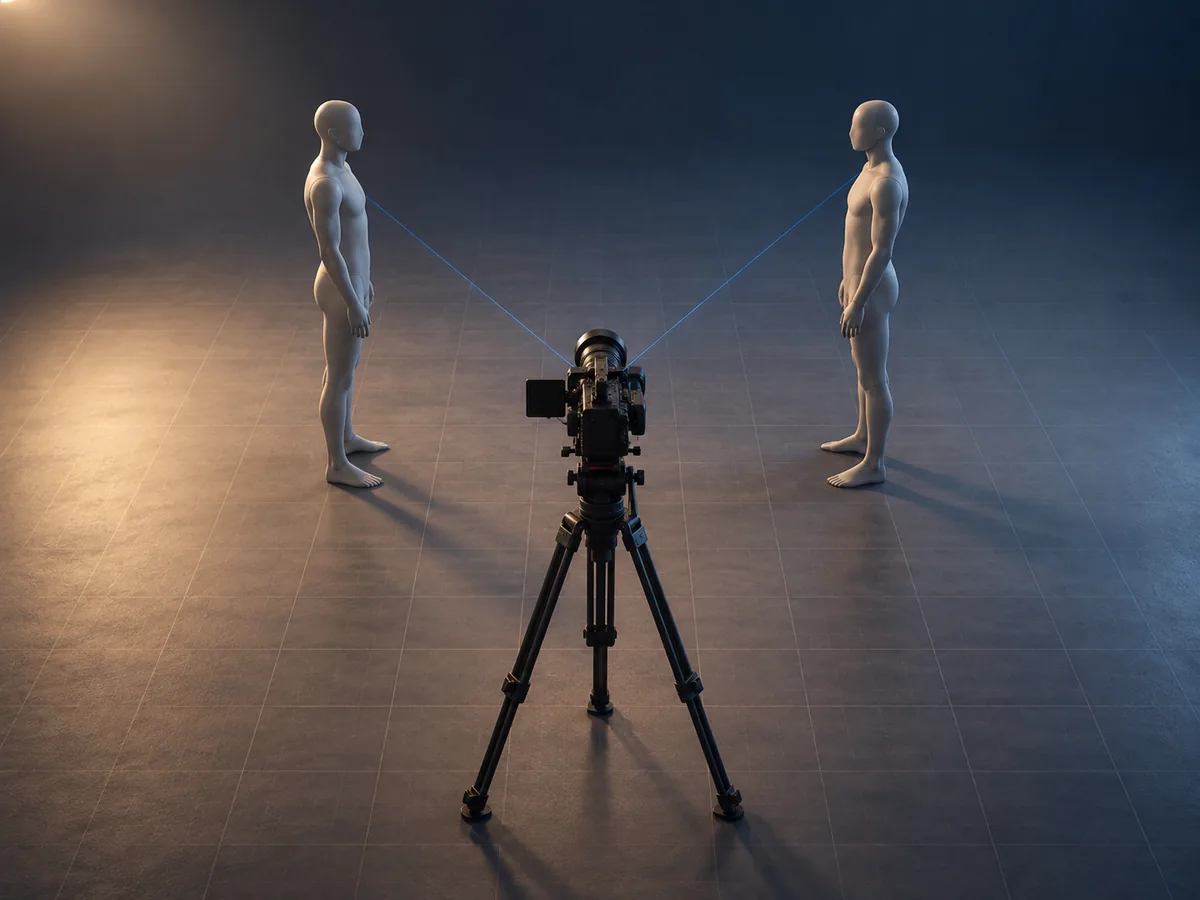
Block it in 3D
Drag characters into place, then pan, raise and push in the camera. Set the lens field of view, camera height, pan, tilt and roll precisely with numbers.
AI storyboards for video and ad production
Place characters and the camera in 3D, and AI draws the storyboard frame with the same field of view, height and direction. Finish your shot list and printable storyboard sheet on one screen.
Open the example storyboard and edit it right away, no sign-in needed. AI images use your account's credits, and printing and PDF export come with paid plans.
Same shot: on the left, the 3D blocking set up by hand; on the right, the storyboard frame AI drew from it
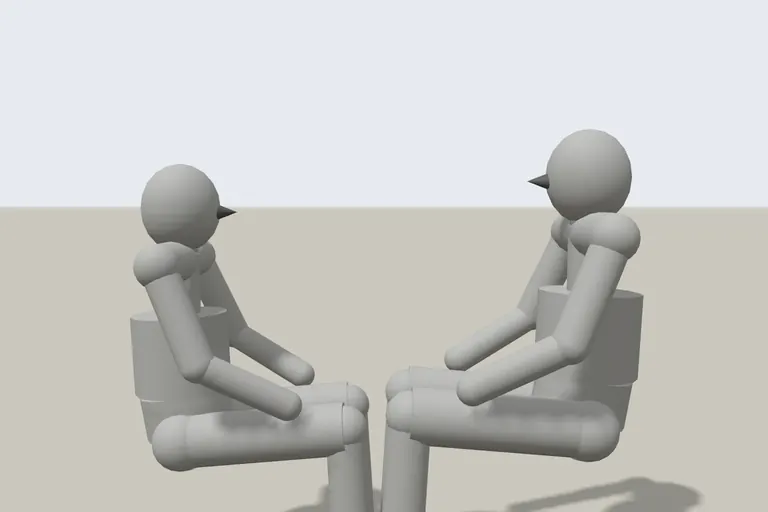

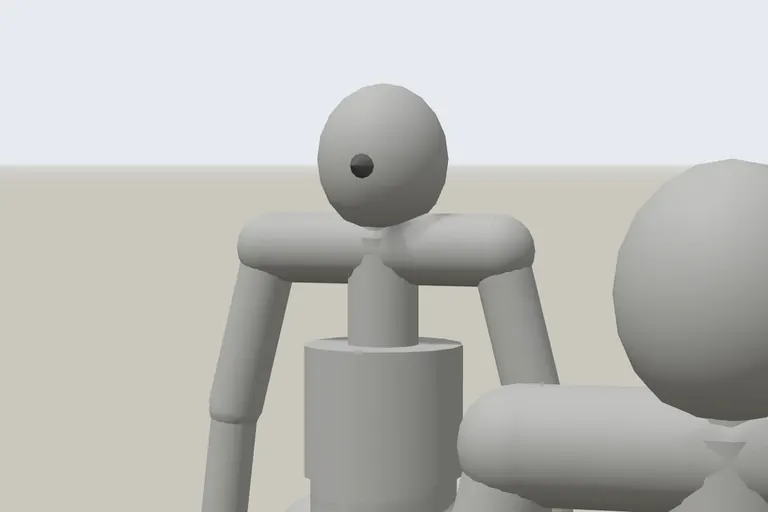

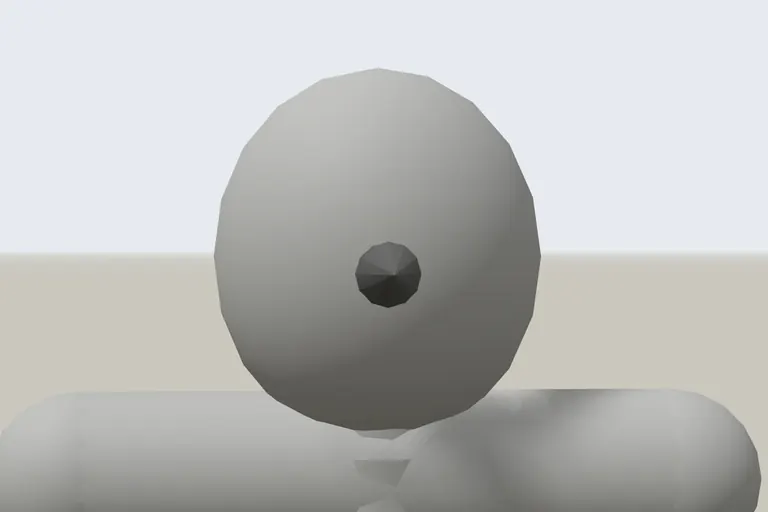

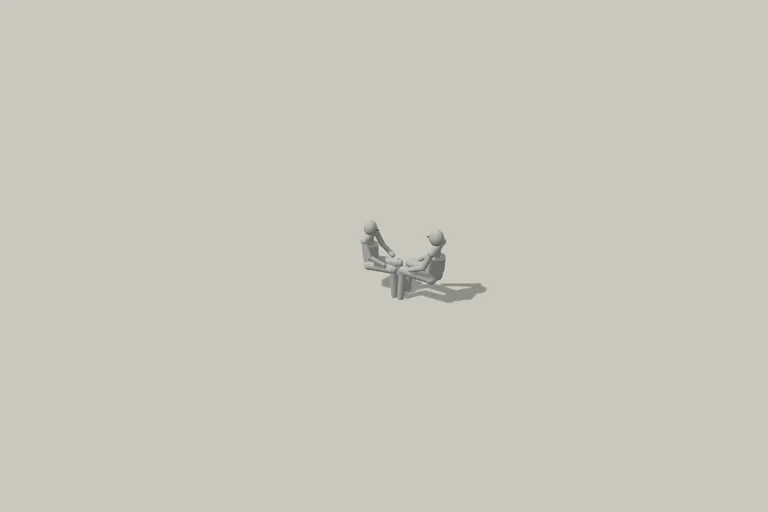
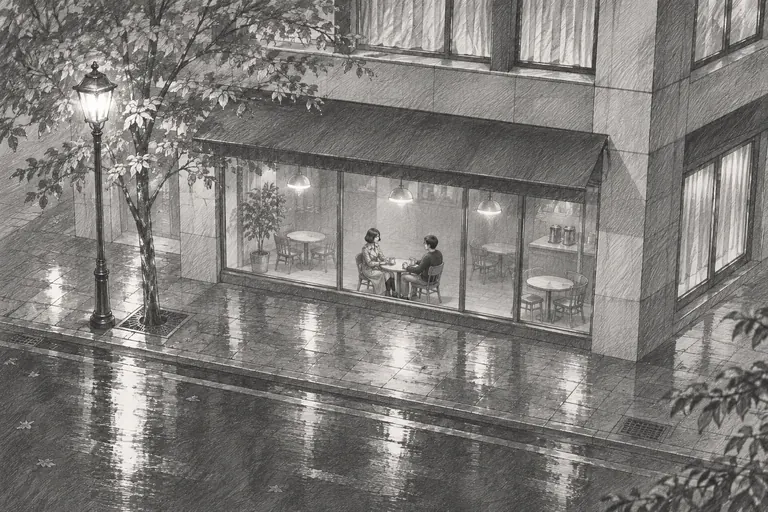
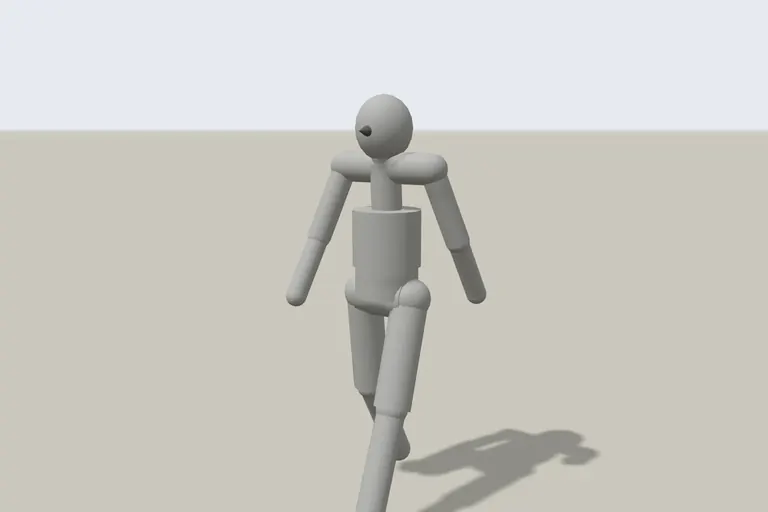
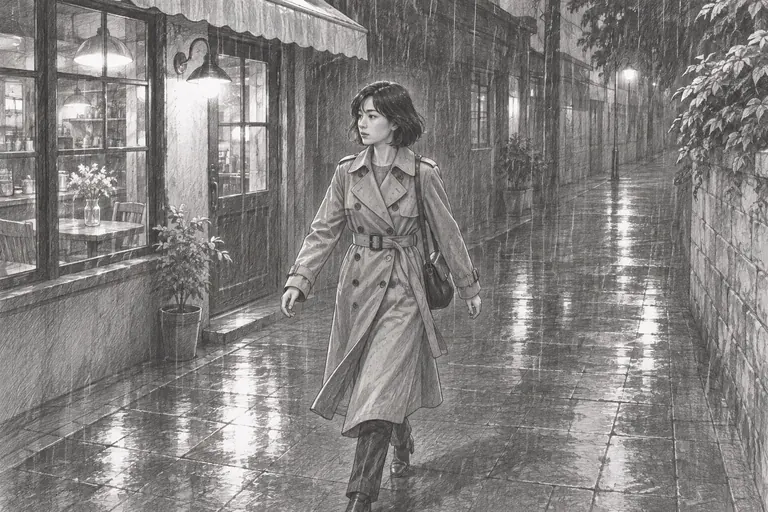
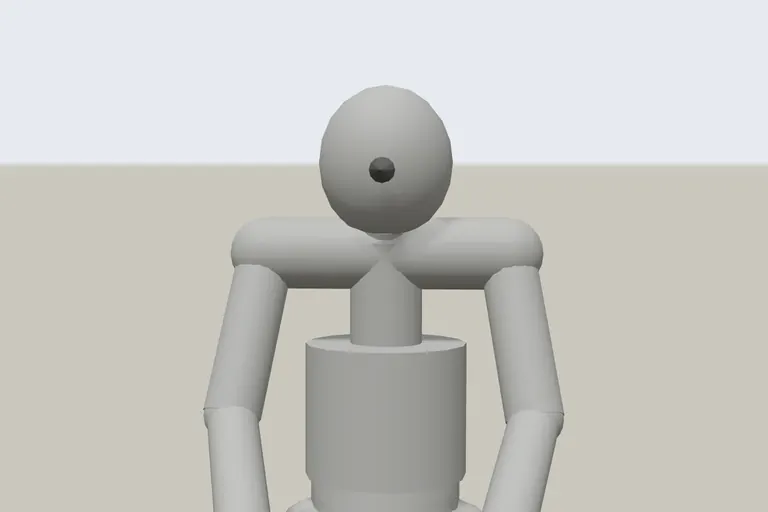

It draws the shot you actually blocked, not a picture described in words.
Drag characters into place, then pan, raise and push in the camera. Set the lens field of view, camera height, pan, tilt and roll precisely with numbers.
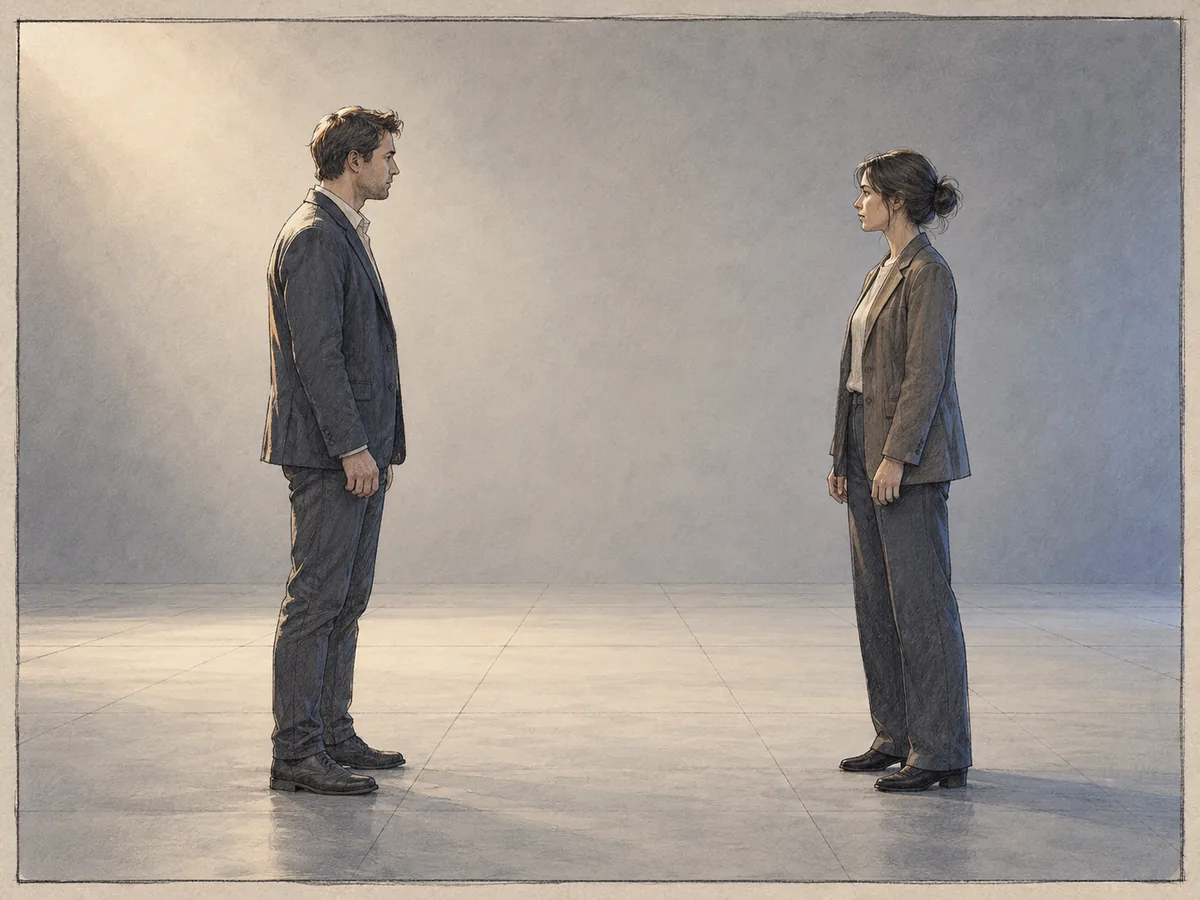
The 3D or 2D blocking view you're looking at is captured and sent to the AI. You get storyboard frames that keep each character's position and size and the camera angle; pick the one you like as the shot's main image.
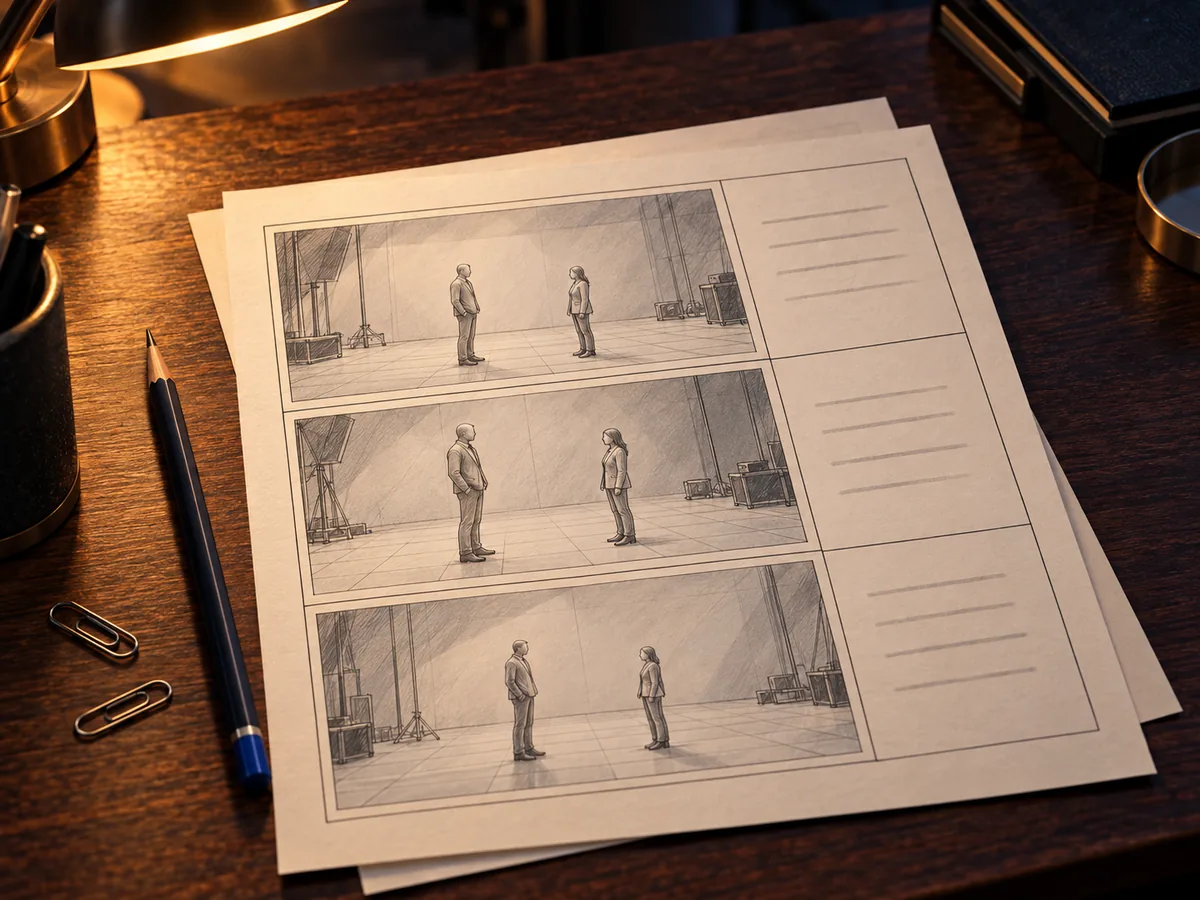
Shot order, images, scene descriptions, dialogue and durations on one page. On paid plans you can print it as is or save it as a PDF.