Camera Angles, Shot Sizes and Lenses Compared in 3D
One 170 cm character shot in the same 3D view with only the camera changed. The values listed are the camera values actually used, so you can copy them as is.
Shot size: how close do you show it?
Shot size is how much of the frame the character fills. All six images below use a 50mm lens at the same camera height. Only the distance changes, with the tilt adjusted slightly to keep the character in frame.
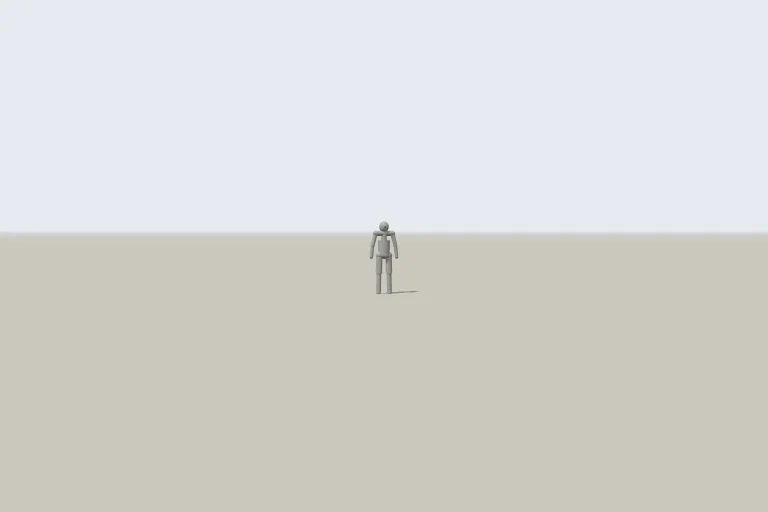
Extreme long shot
- Lens
- 50 mm
- Distance
- 25.16 m
- Tilt
- -1.6°
The place, more than the character, is the star. Use it to open a scene or show loneliness.
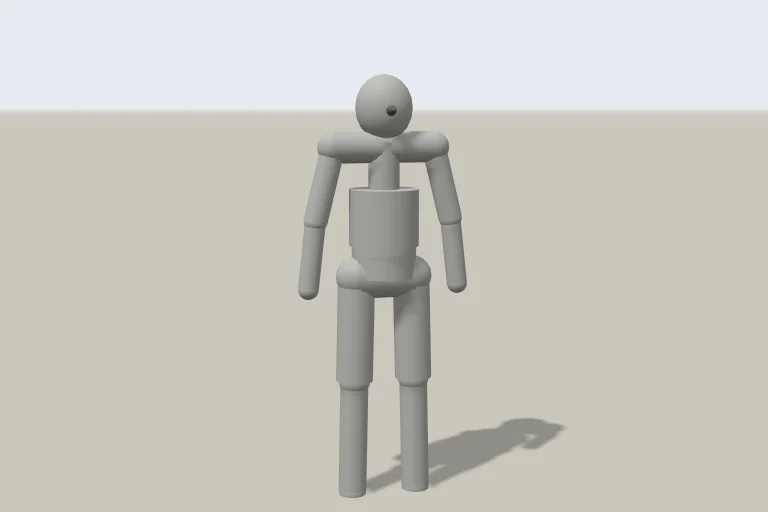
Long shot
- Lens
- 50 mm
- Distance
- 4.23 m
- Tilt
- -8.1°
Shows head to toe. Tells you where the character stands and how they move.
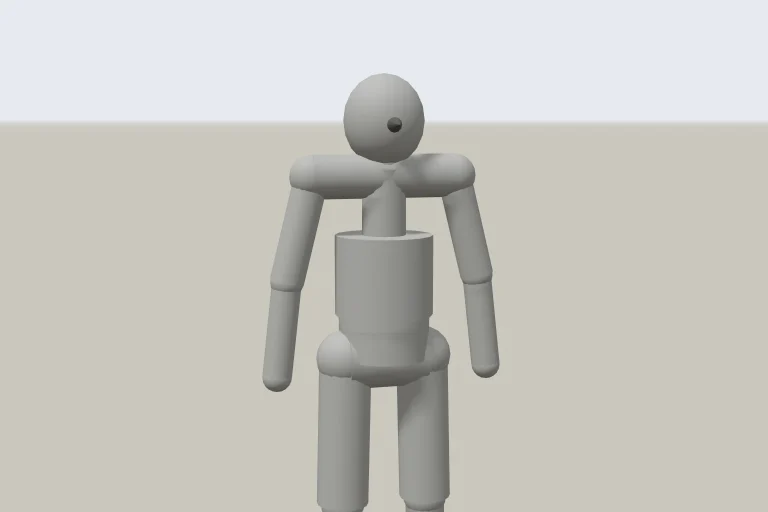
Medium long shot
- Lens
- 50 mm
- Distance
- 2.99 m
- Tilt
- -7.5°
Frames down to the knees to show gesture and expression together. Good for fitting two people in one frame.
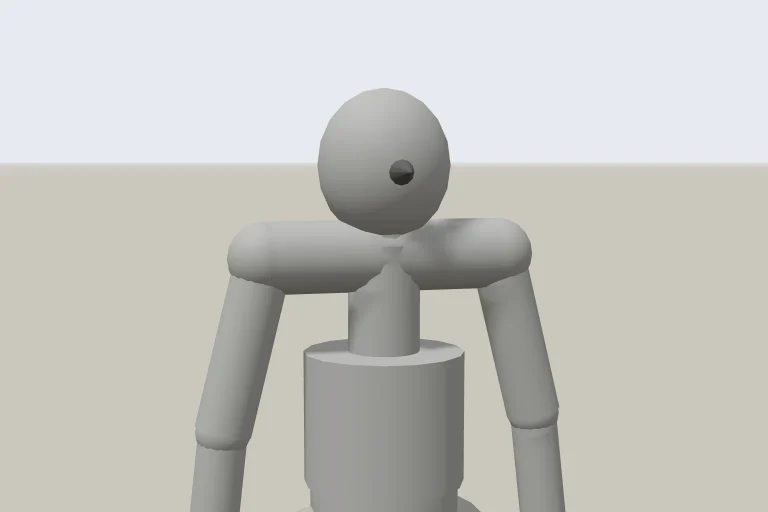
Medium shot
- Lens
- 50 mm
- Distance
- 1.82 m
- Tilt
- -5.3°
Frames from the waist up. The default size for dialogue scenes.
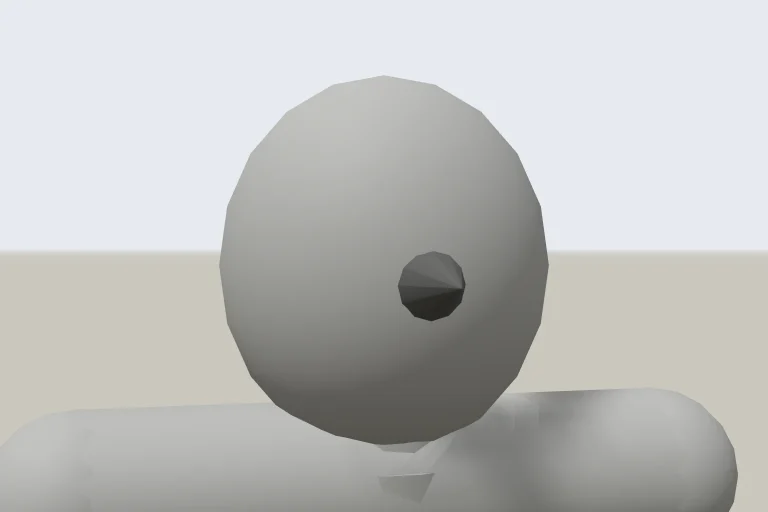
Close-up
- Lens
- 50 mm
- Distance
- 0.74 m
- Tilt
- -0.6°
Frames just the head and shoulders to show emotion. Overuse wears it out.
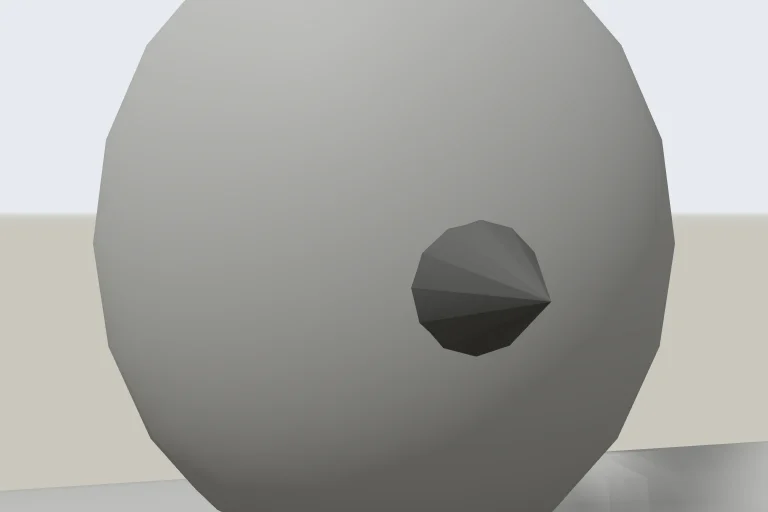
Extreme close-up
- Lens
- 50 mm
- Distance
- 0.43 m
- Tilt
- -2.6°
Fills the frame with part of a face or an object. Once, at the most important moment, is enough.
Angle: from what height do we look?
With the same 35mm lens, changing the camera’s height and tilt changes how the character feels. Only the over-the-shoulder frame is the 85mm shot from the example storyboard.
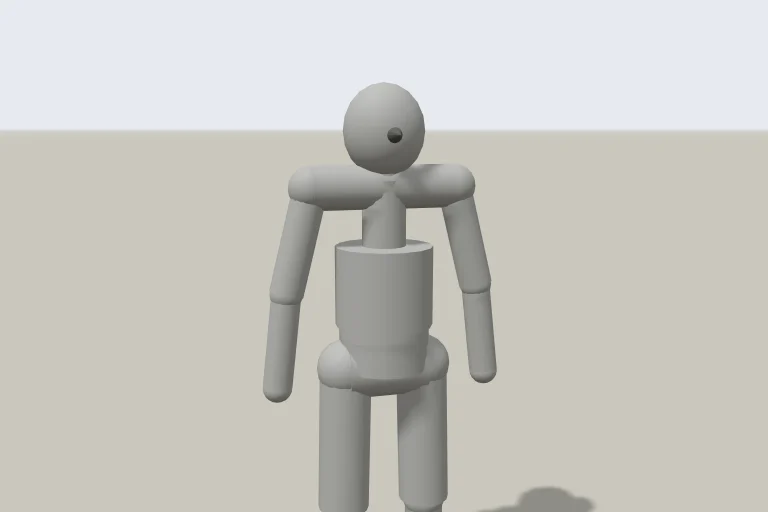
Eye level
- Lens
- 35 mm
- Height
- 1.59 m
- Tilt
- -9.9°
Seen at eye level. A neutral viewpoint that works anywhere.
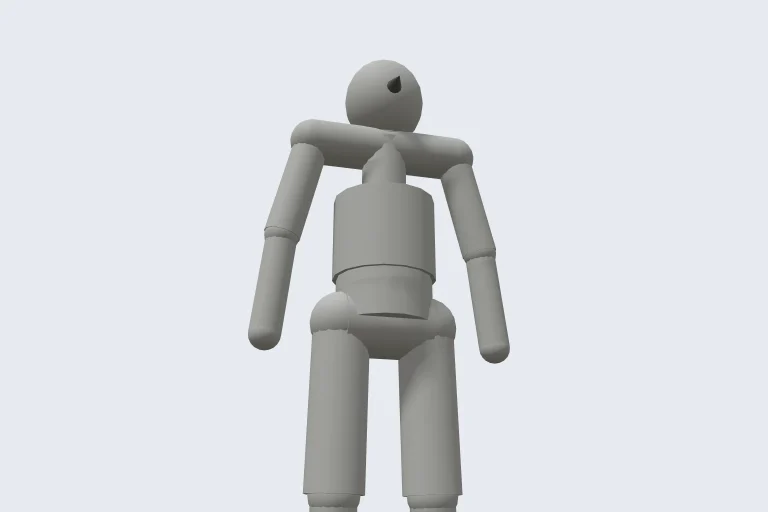
Low angle
- Lens
- 35 mm
- Height
- 0.41 m
- Tilt
- 20°
Looks up from knee height. The character looks big and strong.
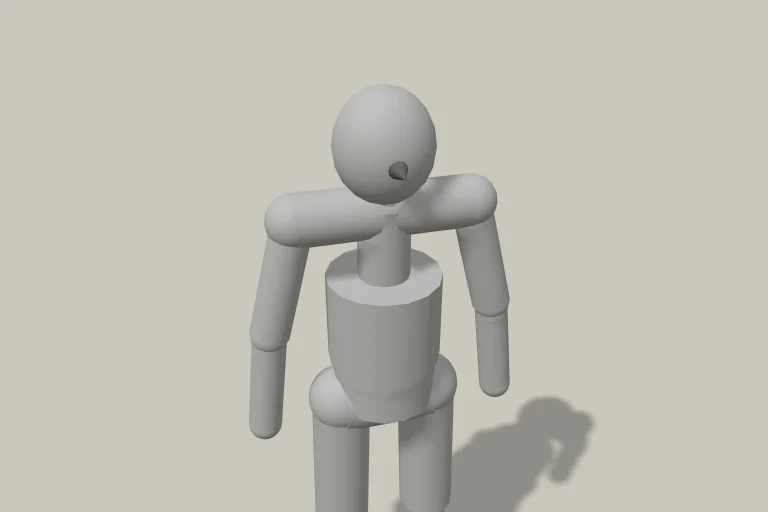
High angle
- Lens
- 35 mm
- Height
- 2.17 m
- Tilt
- -30°
Looks down at a slant from above head height. The character looks small and weak, or the space itself stands out.
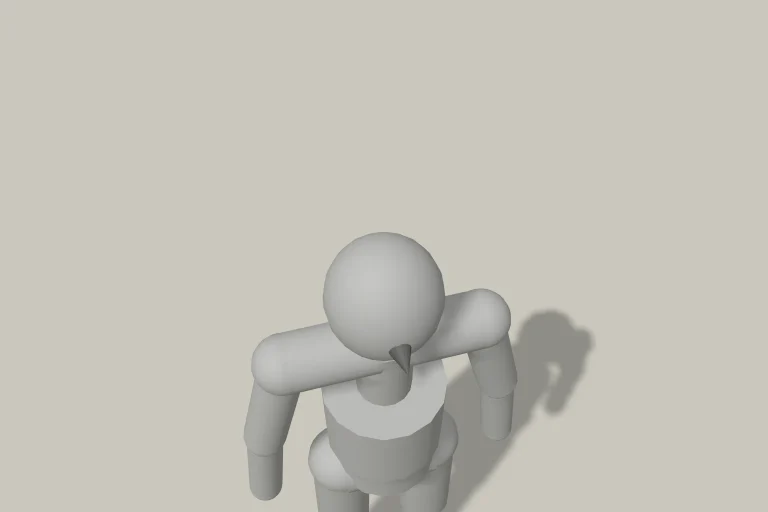
Bird's-eye view
- Lens
- 35 mm
- Height
- 2.71 m
- Tilt
- -52°
Looks down much more steeply. Shows the character’s position and path like a map.
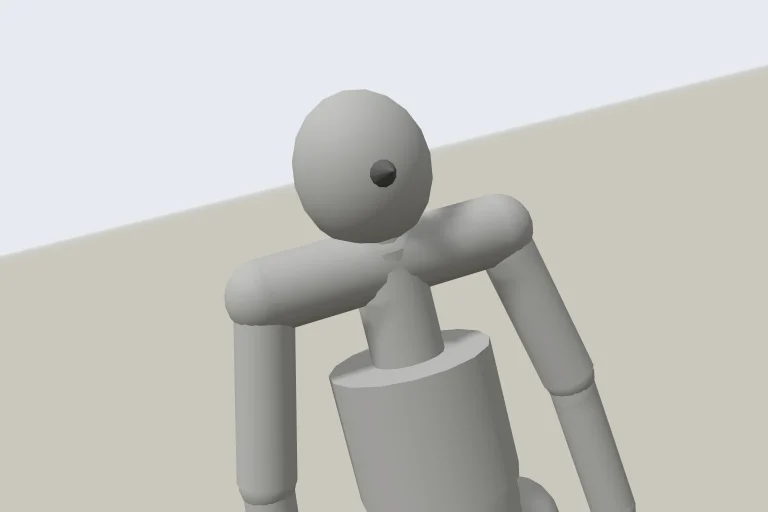
Dutch angle
- Lens
- 35 mm
- Height
- 1.59 m
- Tilt
- -7.4°
- Roll
- 14°
Tilts the camera sideways (roll). Gives an uneasy or off-kilter feel.
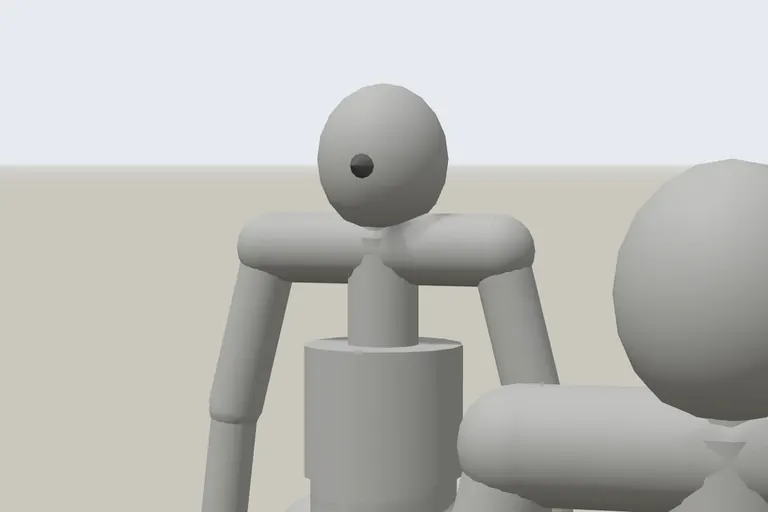
Over-the-shoulder shot
- Lens
- 85 mm
- Height
- 1.64 m
- Tilt
- -3.2°
Looks at the other person past the front person’s shoulder. Shows the distance and relationship between the two.
Lens: same character size, different background
In all four, the distance is set so the front character is the same size (medium shot). The person standing behind never moved. The longer the lens, the farther back the camera goes, so the rear person looks bigger and closer.
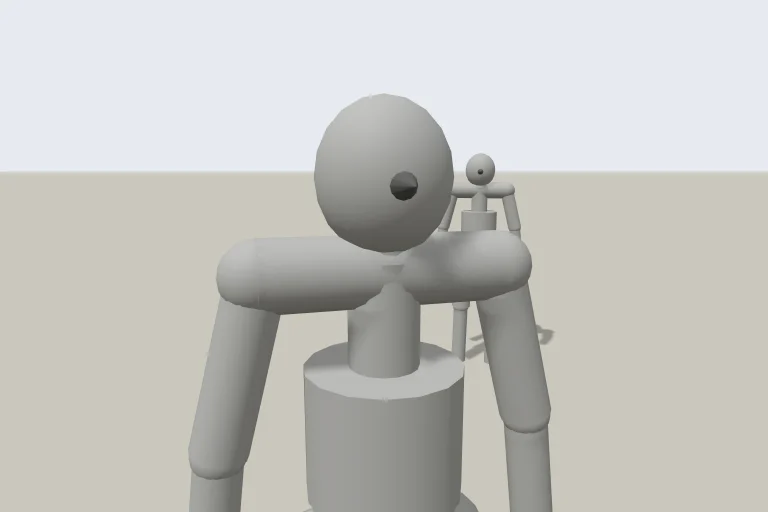
24 mm
- Distance
- 0.84 m
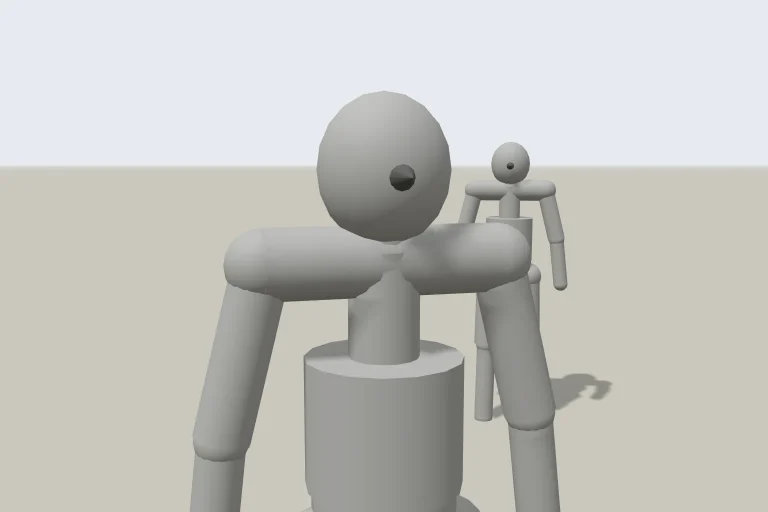
35 mm
- Distance
- 1.26 m
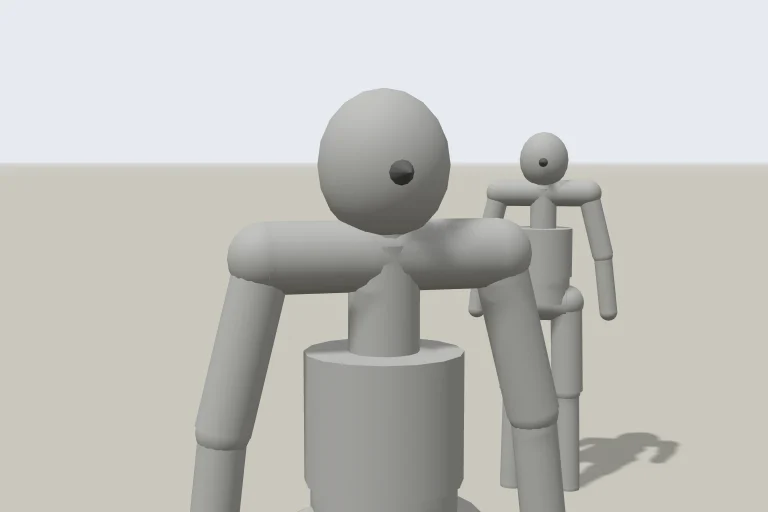
50 mm
- Distance
- 1.82 m
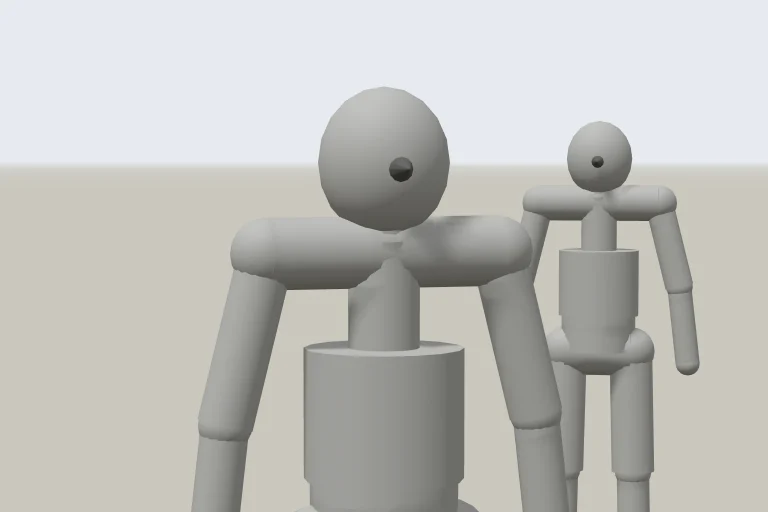
85 mm
- Distance
- 3.12 m
- 24–35mm Space looks wide and movement looks big. Up close, faces look slightly bulged.
- 50mm Near and far figures keep natural proportions, so nothing looks exaggerated. If you can’t decide, start here.
- 85mm The background compresses and attention goes to the character. Often used for close-ups and over-the-shoulder shots.
How to choose
- Pick just one thing the audience needs to know in this shot. If it’s the place, lean toward a long shot; if it’s emotion, a close-up.
- Decide whether that character is strong or weak right now. If strong, think of a low camera first; if weak, a high one.
- Choose a short lens if the background matters to the story, a long lens if it gets in the way.
- Compare with the previous shot and check that size or angle has changed enough.
The same composition, drawn as a storyboard
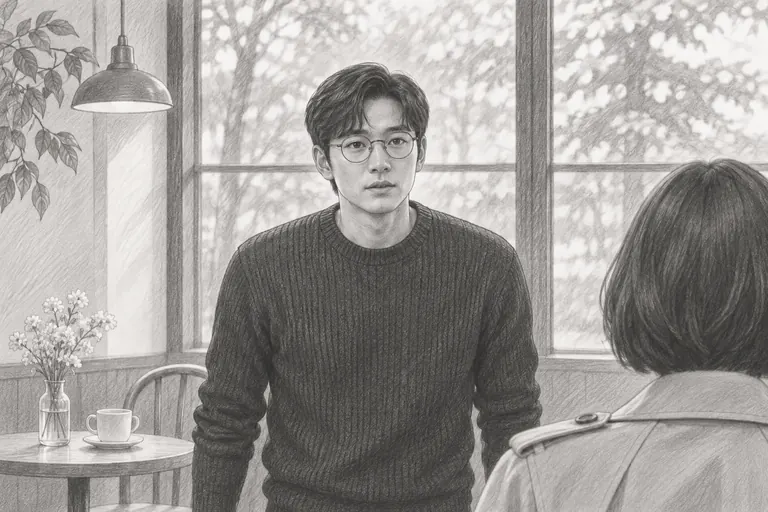
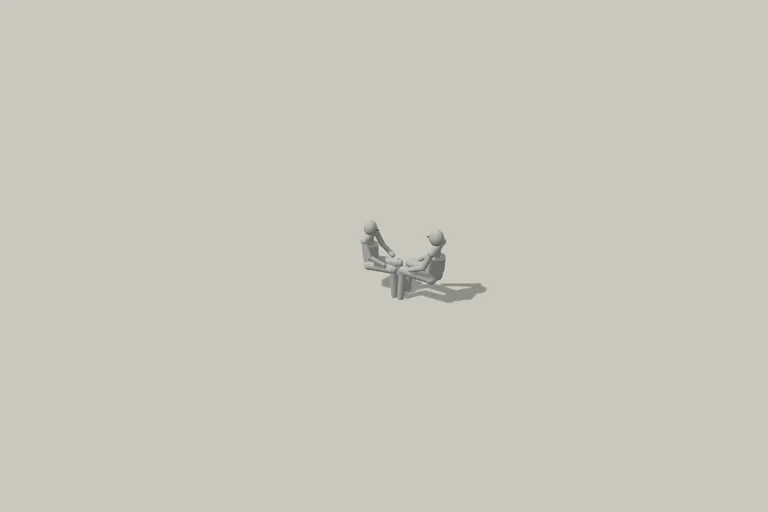
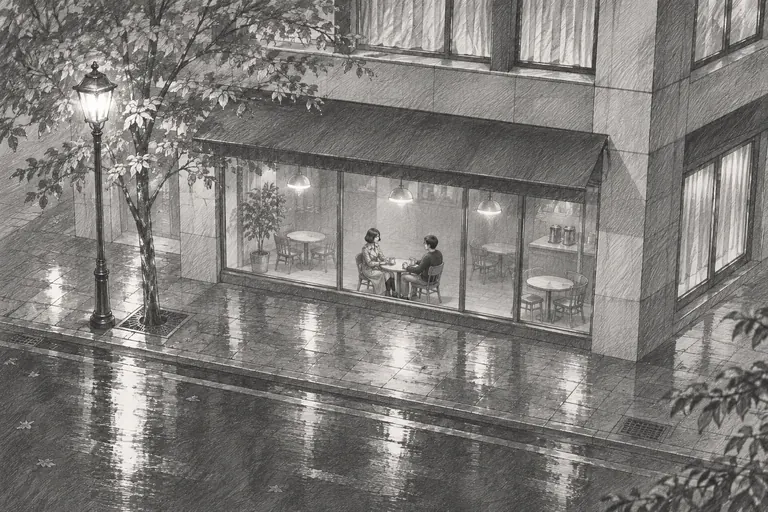
On the left is the 3D blocking you set by hand; on the right, the storyboard frame the AI drew from it.
Move the camera yourself
Open the example storyboard and you can turn, raise and dolly the cameras of all six shots without signing in.